Tutorial
Check how much RAM you have
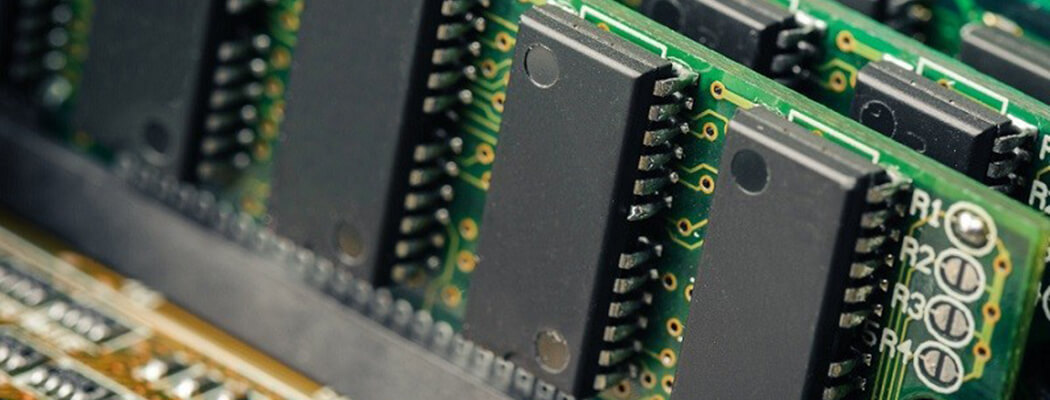
Your Random Access Memory or RAM is important for many aspects of PC performance, and when tuning a regedit it can be the difference between a good one and a great one!
Finding your RAM
- Click Start and type about your and hit enter when About your PC shows
- A window will pop up, in the section Device specifications find the line Installed RAM
- This is how much RAM you have on your PC!

Written by

Orilation